

Flexibility and customization are key aspects we aim to provide in Hyperline. To achieve this, we allow you to define custom properties so that you can represent and store all the extra data you need. Custom properties can be defined and associated with customer, product, subscription, and invoice entities. Subscription custom properties can also be used in subscription templates. Furthermore, values are structured with a range of types including text, number, boolean, date, and a select list of predefined values.Documentation Index
Fetch the complete documentation index at: https://docs.hyperline.co/llms.txt
Use this file to discover all available pages before exploring further.
Use cases
Custom properties provide a wide range of possibilities. For example, they can be used to represent additional fields for your customers, integrate extra billing details into your subscriptions or subscription templates, assist in entitlement and feature flagging by representing features activatable on specific products or subscriptions. These are just examples, and they can be customized to meet any specific needs based on your use case.Create a custom property
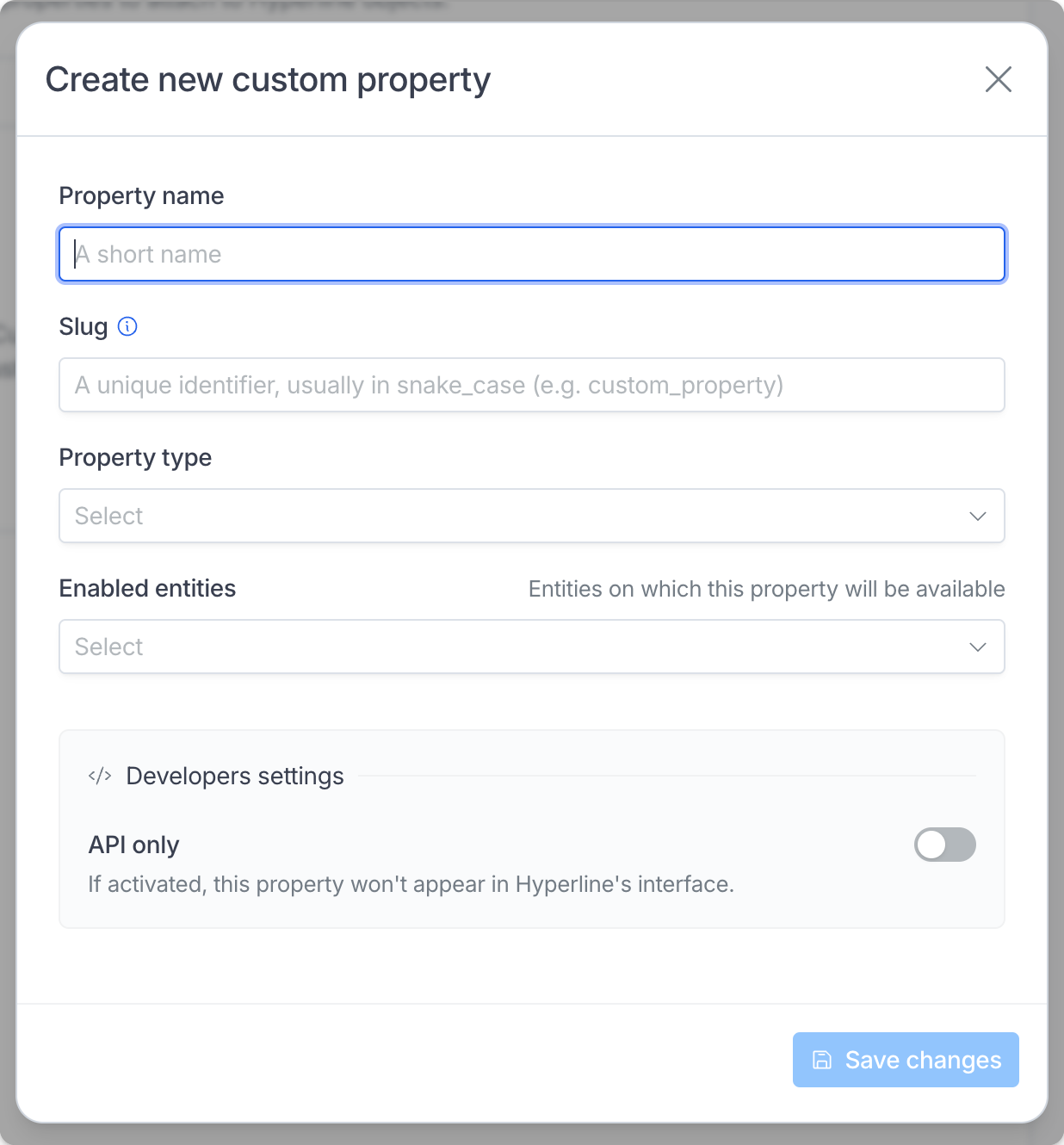
Fill the form
Managing custom property values
When created, the custom property can be found on the related entity in the interface. On the customer, the custom properties appear in the bottom of the information panel on the customer details page.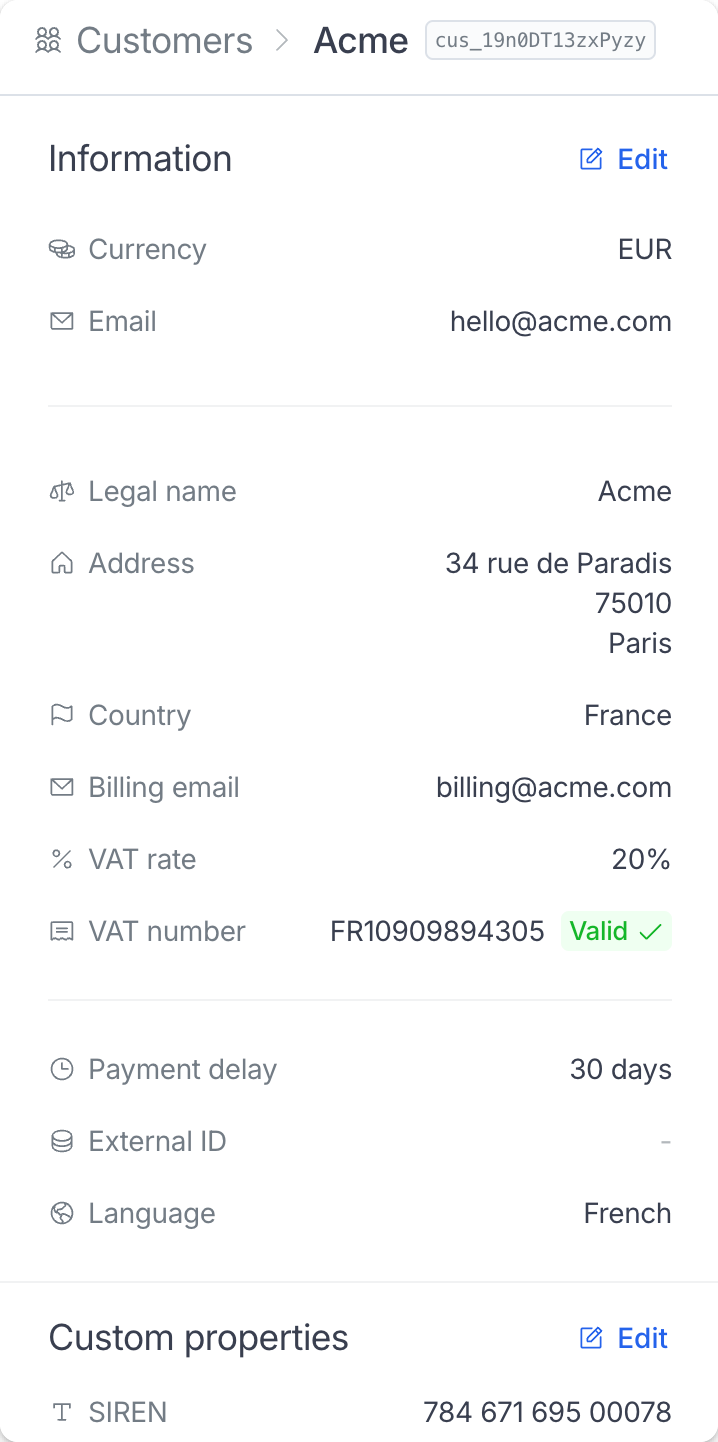
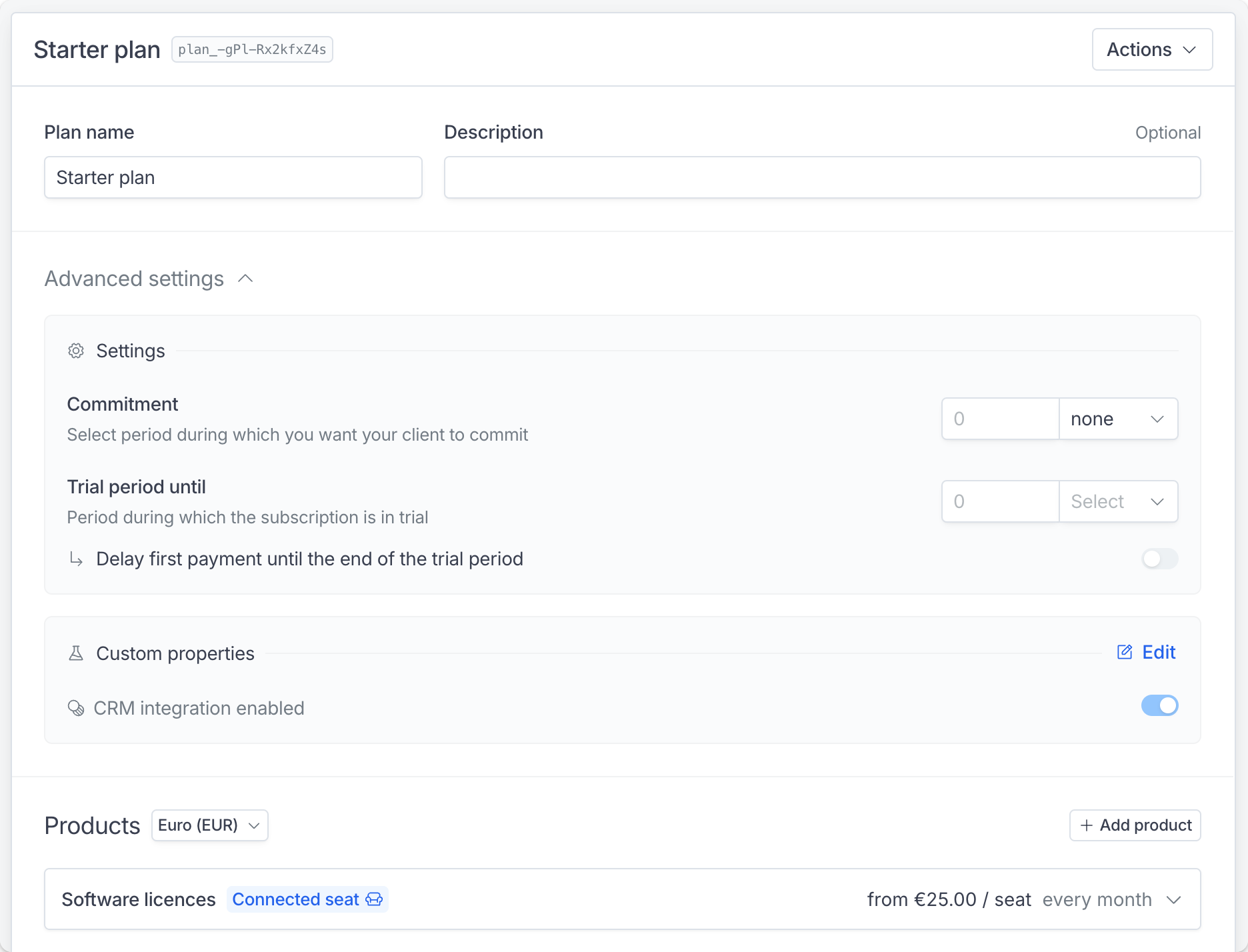
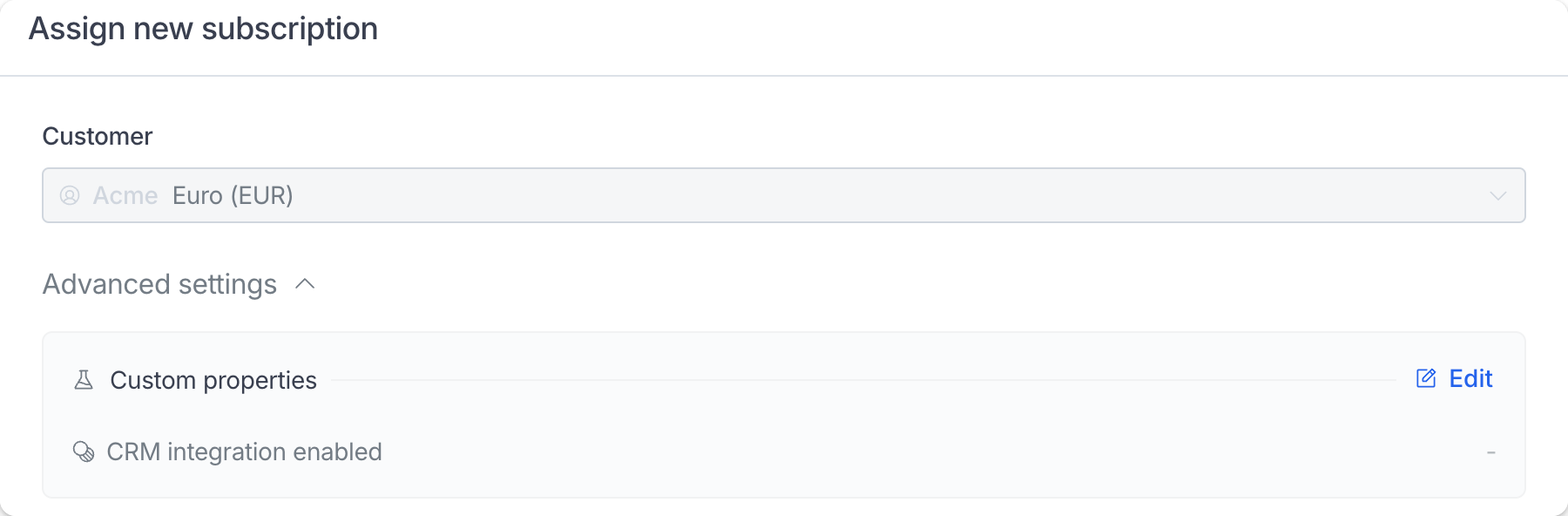
Automatic copying only applies to custom properties that are available on both the subscription and invoice entities.
Filtering by custom properties
You can filter customers, subscriptions, and invoices by their custom property values in the respective list views. When you create custom properties for customers, subscriptions, or invoices, filter controls automatically appear in the filters dropdown on the Customers, Subscriptions, and Invoices pages. The filter type depends on the custom property type:- Boolean properties: Display as a dropdown with On and Off options
- Select properties: Display as a dropdown with the predefined values you configured
- Navigate to the Customers, Subscriptions, or Invoices page
- Click the filters dropdown
- Select the custom property filter you want to apply
- Choose the value to filter by
Only boolean and select-type custom properties are available as filters. Text, number, and date properties cannot be used for filtering in the interface.
Custom properties marked as “API only” will not appear in the filter panel.
Displaying custom properties on hosted pages
For now it is only available for the customer portal page. You can decide to select which custom properties to display on the customer portal by navigating to the Settings > Hosted pages section.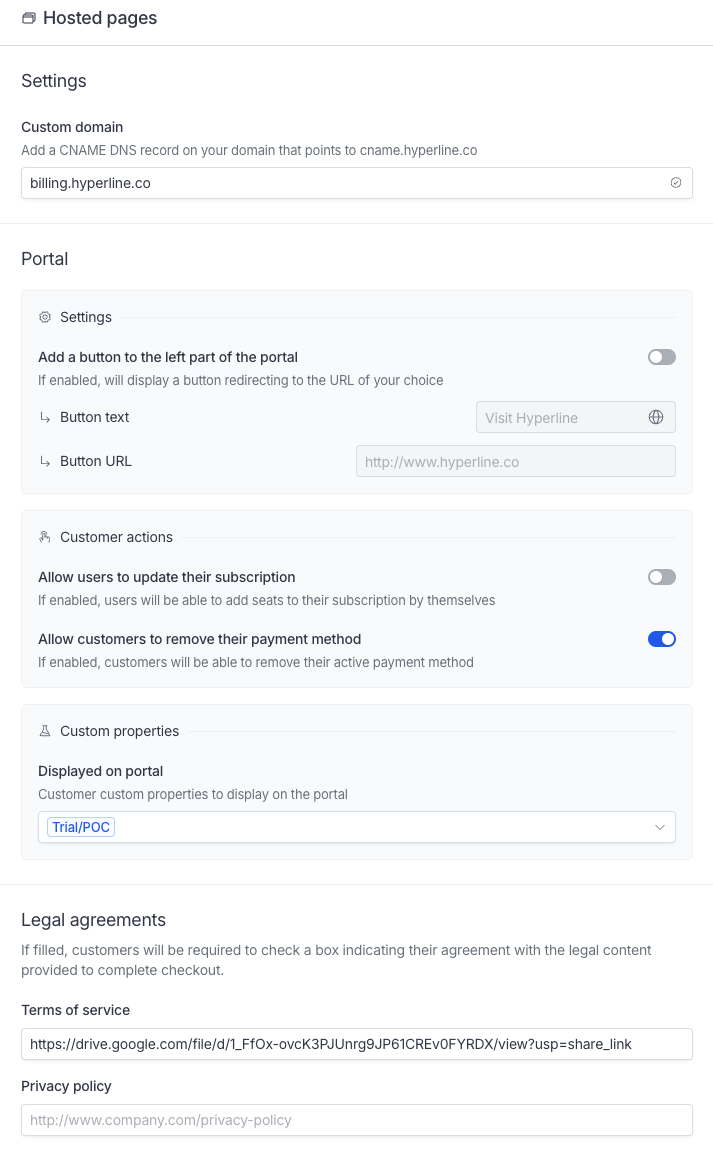
Using the API
You can create, retrieve and manage custom properties using the API. Additionally, you can retrieve the values using thecustom_properties field when fetching a customer, product, subscription, or invoice. You can also set invoice custom properties when you create or update an invoice through the API.
Subscription template configurations use the same custom_properties field as subscriptions when you create or update a configuration through the API.
How this differs from the properties field
The properties field was introduced in the initial step, but it lacks structure (e.g., it is not named or typed) and is not manageable through the interface for non-technical users.
While this field can still be utilized to store unstructured technical details on supported entities, we recommend using custom properties when possible to ensure safety and better manageability.